
Lexington County Clerk Records Office
Lisa M. Comer is the Lexington County Clerk of Court. The South Carolina Judicial Branch courthouse page says she was elected in 2016 and sworn in January 2017. The same official profile says she worked in private law firms as a paralegal, began work in the Lexington Clerk of Court's office in 2009, serves with the South Carolina Association of Clerks of Court and Registers of Deeds, and was appointed in 2022 to the Clerks of Court and Registers of Deeds Advisory Committee.
The Lexington County Clerk of Court supports the Court of Common Pleas, Court of General Sessions, and Family Court. The office receives pleadings and motions, gives filings to judges, supports juries, receives criminal warrants and sends them to the Solicitor, receives bail, compiles trial lists, manages dockets, staffs courtrooms, receives fees and costs, keeps court records, and sends reports to state and federal agencies.
Lexington County Clerk of Court
Clerk: Lisa M. Comer
205 East Main Street, Suite 128
Lexington, SC 29072
803-785-8212
Fax: 803-785-2215
TTY: 803-785-2860
The county Clerk page is shown on the Lexington County Clerk of Court website. That official page also links readers to Public Index tools, Family Court portals, court rosters, and courthouse security rules.
Lexington County's official Clerk page is one of the visual references assigned to this record page.
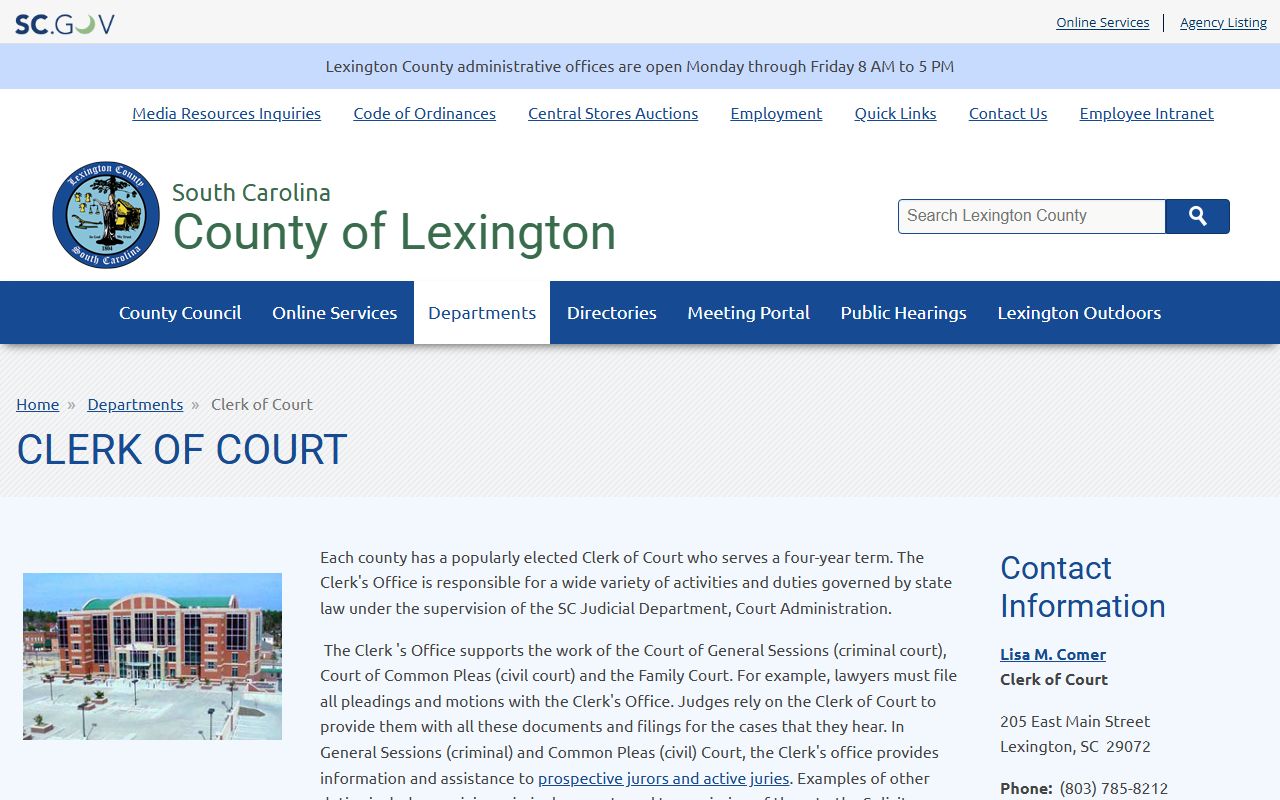
The screenshot reinforces that Clerk access is split between office contact, trial-court case records, and separate Family Court tools.
What the Clerk Does in Lexington County
For Lexington County court records, the Clerk's role is broader than a public counter. Staff handle pleadings, motions, courtroom support, jury support, docket work, fee and cost receipt, trial lists, and record maintenance. In criminal matters, the Clerk receives warrants and transmits them to the Eleventh Judicial Circuit Solicitor. In Family Court matters, the Clerk files Orders of Protection, sends protection orders to law enforcement, issues Rules to Show Cause when orders have not been followed, and collects or disburses court-ordered child support.
- Common Pleas civil filings, judgments, motions, and trial lists
- General Sessions criminal records, warrants received for prosecution, bail, fees, and costs
- Family Court filings, protection orders, child support payments, and related public portal access
- Jury support, courtroom staffing, docket management, and court reporting duties
Land records are not treated as ordinary Clerk of Court case files in the research. Lexington County has a separate Register of Deeds for land records, while Probate Court keeps probate and marriage files.
Request Lexington County Certified Copies
Certified copies are requested from the office that holds the original record. For Common Pleas, General Sessions, and divorce decree records, the Lexington County Clerk of Court is the starting point. The South Carolina Department of Public Health notes that an actual divorce decree must come from the Clerk of Court in the county where the final hearing was held. Probate and marriage certified copies go through Probate Court instead.
- Search the Lexington County Public Index first when the case is a public civil or criminal trial-court case.
- Write down the case number, party names, court type, filing date, and the exact document needed.
- Contact the Clerk of Court in Suite 128 or call 803-785-8212 to confirm the record location and copy process.
- Ask whether the requested file is a judicial record under Rule 610, a Clerk counter request, or a county FOIA request for non-judicial county records.
- Pay only fees confirmed by the official office, then pick up the copy or follow the office's mail instructions.
Family Court has a separate public portal, and attorneys use a separate attorney portal that requires an Attorney Information System ID and password.
The South Carolina Family Court public portal is one of the assigned sources for Clerk access.
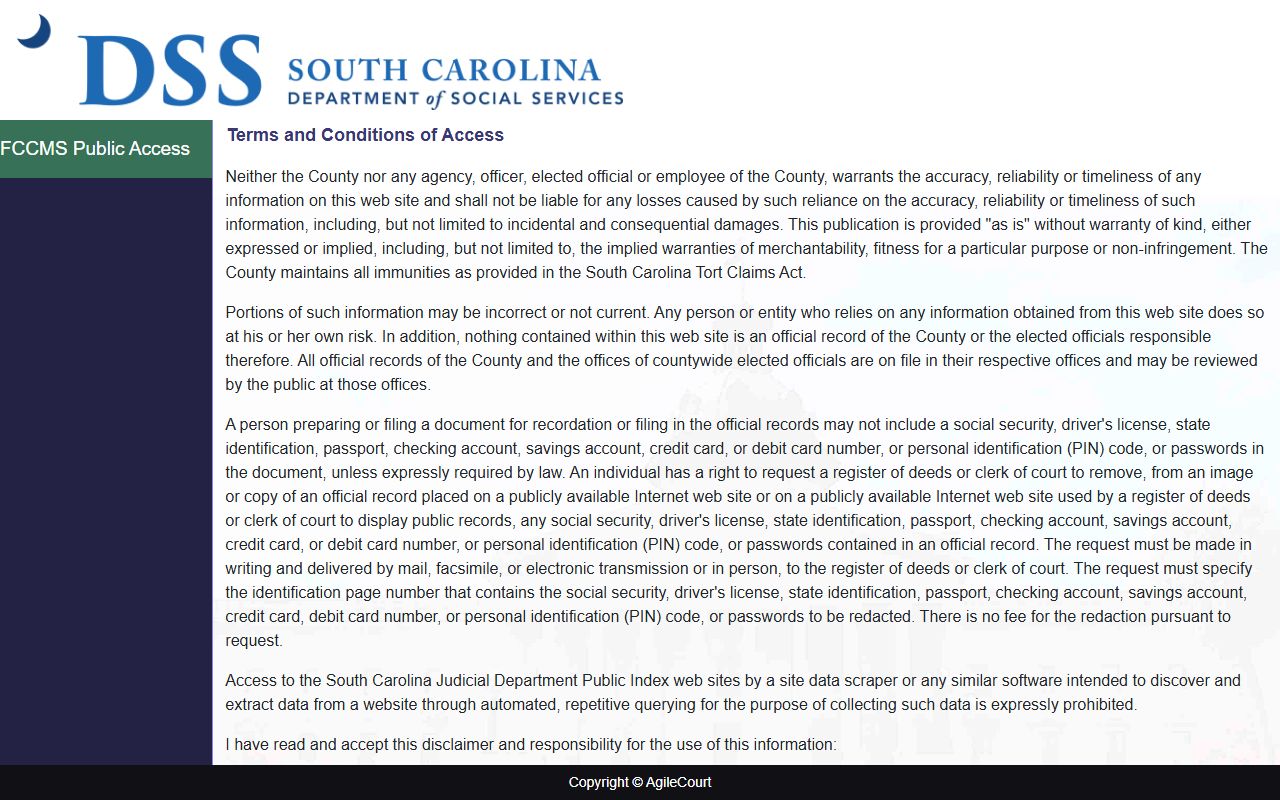
That portal matters because Family Court files are not searched the same way as ordinary Public Index civil and criminal records.
Lexington County Records Request Fields
The research file identifies a Lexington County FOIA request PDF for county public information requests. Judicial records may follow the South Carolina Judicial Branch Rule 610 process instead of ordinary county FOIA, but the county form inventory shows the kind of detail a requester should gather before contacting the Clerk or county offices.
| Field | Required | Notes |
|---|---|---|
| Requester/contact information | Unspecified | The PDF routes county public information requests to the Department of Public Information. |
| Public information requested | Yes | Describe the documents sought with enough detail for staff to identify them. |
| Clarifying information | Optional | Dates, years, names, addresses, TMS numbers, case numbers, or similar identifiers help narrow the search. |
| Notice and fee acknowledgement | Form notice | The official PDF contains fee and processing language that should be reviewed before submission. |
For court case files, a Public Index case number is often the most useful identifier. For county administrative records, the county FOIA request route may be the better path.
Lexington County Clerk Fees
The research does not provide a complete Lexington County Clerk copy-fee schedule. It does identify state-level filing-fee ranges and a gap for some copy services. Because fee categories change by filing type and because Clerk staff cannot give legal advice, a requester should confirm the exact fee with the official office before mailing payment.
| Item | Amount |
|---|---|
| Circuit Court filing fees | $0, $10, $35, $100, $150, or $200 depending on filing or case type |
| Family Court filing fees | $0, $100, or $150 depending on filing or case type |
| Circuit or Family Court transcript | Not located in Lexington official source; SCCA Form 800 is used for Circuit and Family Court transcripts |
| Divorce decree certified copy | Fee not located in official Lexington sources |
| County FOIA request charges | Use the official county PDF for current fee and processing terms |
Do not use the Probate Court marriage-copy fee as a substitute for Clerk of Court case-copy fees. The offices hold different records and publish different request paths.
Lexington County Clerk Portals
The Clerk page links several access channels rather than one single database. The Public Index is the main trial-court case search for Common Pleas, General Sessions, and many Magistrate Court files. Family Court has its own public portal. Attorneys have a separate Family Court attorney portal with login requirements. The Clerk also links roster and calendar resources for court schedules.
- South Carolina case records search for the state Public Index entry path
- Lexington County Public Index for public trial-court case lookup
- Family Court public portal for Family Court access
- Family Court attorney portal for AIS-authenticated attorney access
- South Carolina court roster search for court calendars and rosters
The Judicial Branch self-represented divorce packets are a useful Family Court source, but forms do not replace case-specific legal advice.
The self-represented simple divorce packet is assigned as a Clerk-related source.
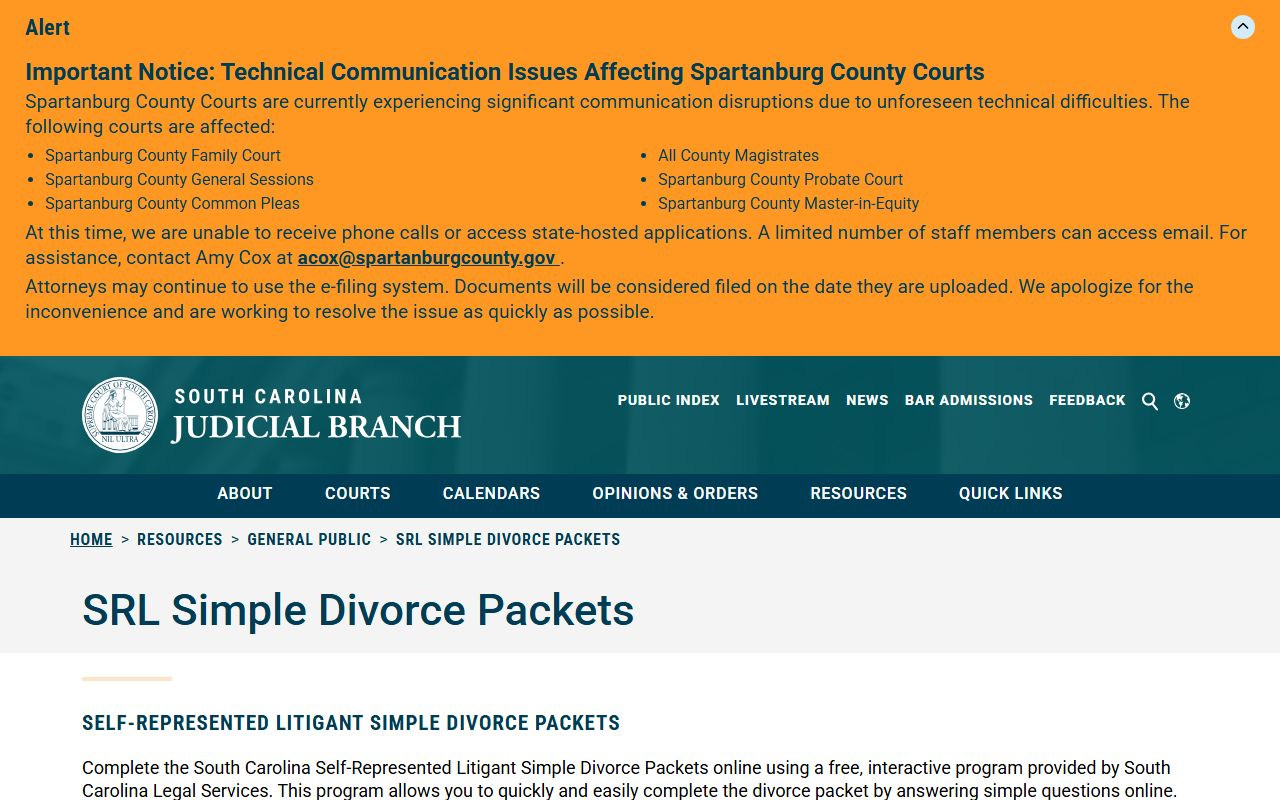
That source helps explain why divorce decrees are Clerk records even though South Carolina DPH can issue some divorce reports.
Family and Juvenile Record Limits
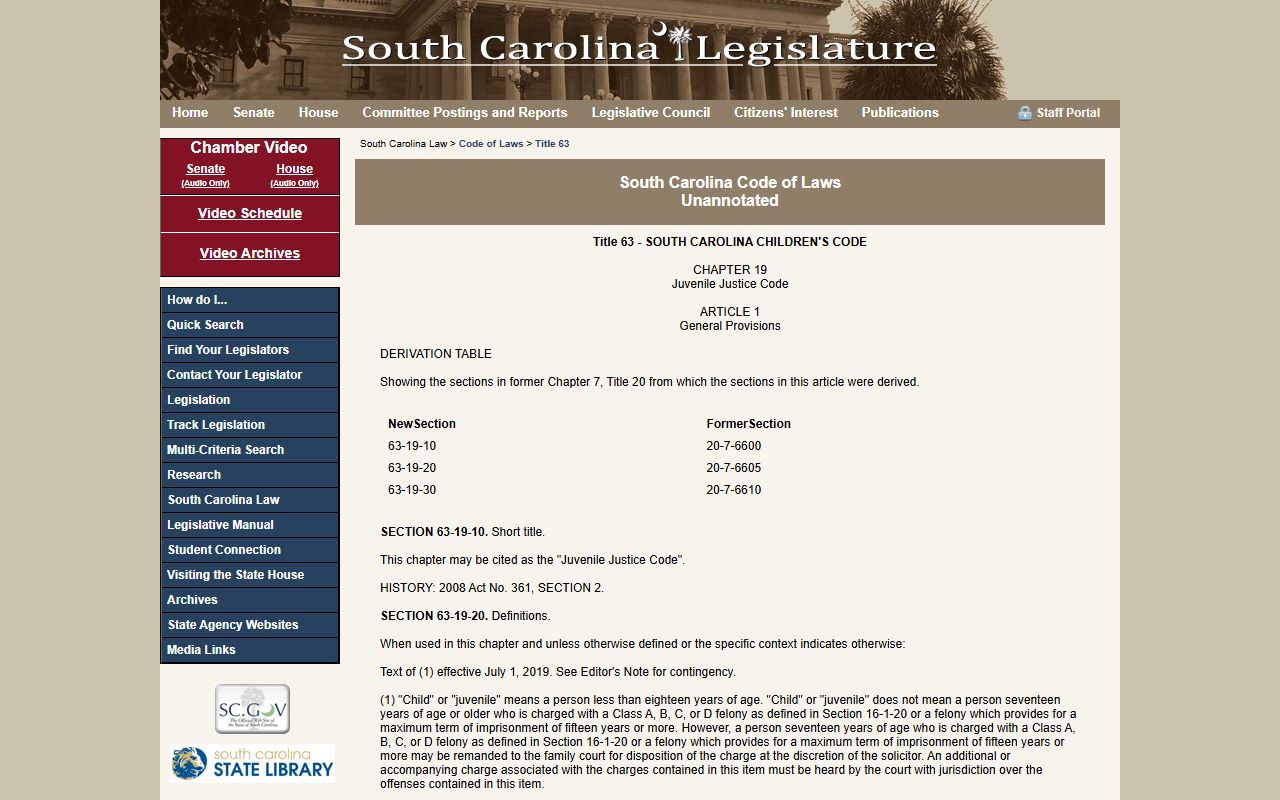
Lexington County Clerk access is shaped by public-record limits. South Carolina Family Court handles divorce, custody, support, protection orders, adoption, name changes, and many juvenile matters. Some Family Court information is public through the Family Court CMS public portal, but juvenile, adoption, child-protection, and other sensitive records can be sealed or restricted. South Carolina law also treats juvenile records as confidential except under statutory or court-order access.
The assigned state law sources for Family Court and juvenile confidentiality are relevant to Clerk requests.
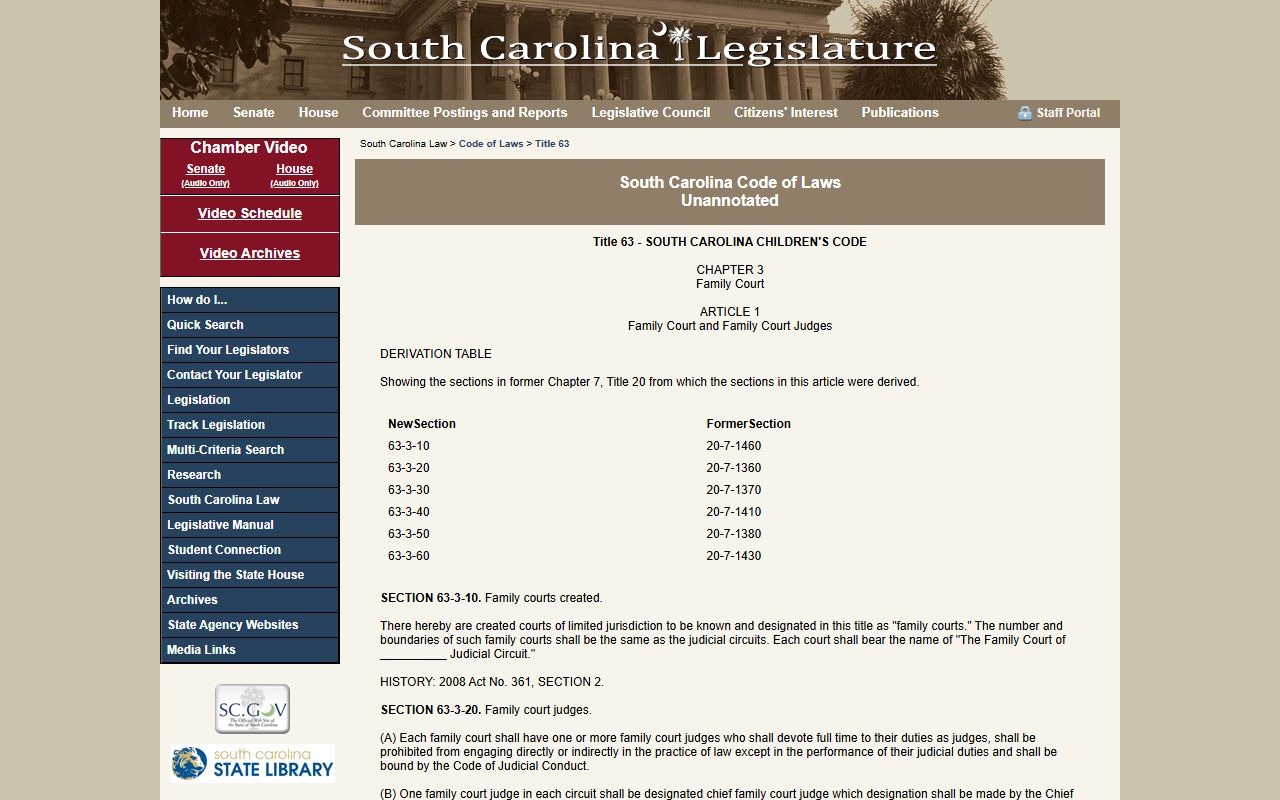
Those limits explain why a name may appear in one public search path while a related Family Court or juvenile file is not visible.
The juvenile record source is also assigned to this Clerk page.
When a file is restricted, the correct next step is to contact the official court office or seek a court order where the law requires one.
Note: The Clerk page also warns about jury-duty scams involving fake warrant claims and requests for personal or payment information.